
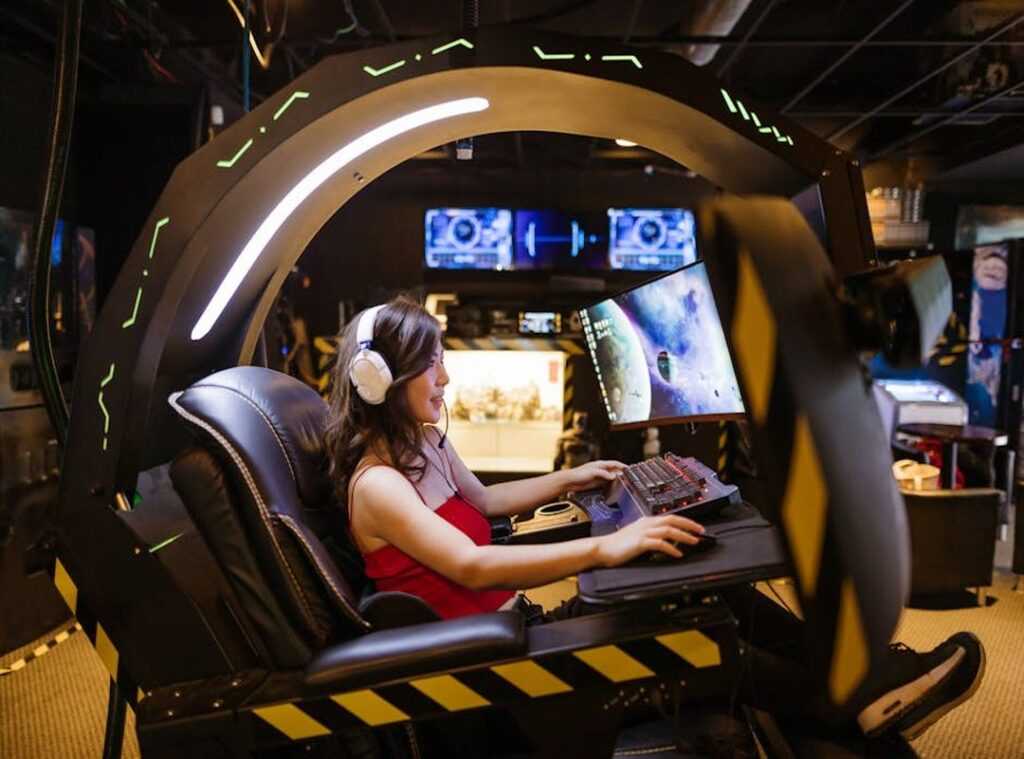
Ever had a killer gaming session ruined by a sore back or aching neck? It’s a common struggle. You want to game all night, but your body says no.
Trust me, I’ve been there. Hours of gameplay, countless battles, only to be defeated by an uncomfortable chair or a poorly placed keyboard. It’s frustrating to focus on your skills when your setup’s a mess.
But here’s the thing: a comfortable gaming workstation doesn’t have to be flashy or overpriced. It’s about smart choices that boost your performance and keep you in the game longer. We know this, having logged thousands of gaming hours ourselves.
We learned the hard way that setup matters just as much as plan.
Forget the pain. This article’s your guide to building an ergonomic gaming setup that transforms your space into a solid command center.
Your Throne: Sit Like a King with Perfect Posture
Let’s talk about the real MVP of your ergonomic gaming setup: the chair. It’s your throne, your fortress, and it should have your back (literally). You wouldn’t settle for a flimsy excuse for a throne, right?
Now, let’s get into the nitty-gritty of what makes a good ergonomic chair. Adjustable height is a must. If your feet can’t touch the ground, you’ve got a problem.
For starters, let’s demystify the ’90-90-90 Rule.’ Imagine your ankles, knees, and elbows all chilling at a cool 90-degree angle. That’s posture gold. Picture it like a perfect triangle of comfort (no) hunchbacks in this kingdom.
Lumbar support is another non-negotiable. It’s that gentle curve pressing into your lower back that keeps you from slouching. Thank it later when you’re not walking around like Quasimodo after a gaming marathon.
Then there are the 4D armrests. Why 4D? Because they move in every direction to support your wrists and shoulders.
You’re not a statue, so your chair shouldn’t treat you like one. Align them with your desk, and voilà, you’ve got yourself a comfy setup that even the most finicky gamer would envy.
Setting up your chair is its own ritual. Feet flat on the ground, back snug against the lumbar support, and armrests level with your desk. Simple, right?
But what if a shiny gaming chair isn’t in the budget? A quality ergonomic office chair can do the trick. The principles remain the same.
Support is support.
Oh, and while we’re at it, check out the perfect lighting immersive gaming environment for more on setting your space. Because let’s face it, spotlighting your throne with bad lighting is an injustice to your reign.
So, are you ready to master your seating game?
The Command Center: Desk Height and Surface Plan
The desk is your battle map. It’s where all the action unfolds. Without the right setup, you’re just asking for trouble.
The relationship between chair height and desk height is key. You want that 90-degree elbow bend. It keeps your shoulders relaxed.
Why? Because the desk’s size and height are your tactical advantage. Trust me, I’ve been there.
Ever tried gaming with tensed shoulders? It’s a disaster waiting to happen.
Now, to desk types. Fixed-height desks are your standard fare. But sit-stand desks?
They’re a game-changer. A real “power-up” for breaking long sessions and boosting circulation. You can adjust and keep your body moving.
It’s like giving your body a mini-stretch without leaving your chair.
And don’t forget desk depth and width. You need space. Enough to keep your monitor at least an arm’s length away.
And room for full-range mouse movement. The last thing you want is to feel cramped.
Here’s a simple “Desk Fit Test” for you. Can you sit with your chair adjusted properly and rest your arms without hunching or reaching? If not, adjustments are needed.
It’s all about crafting the perfect ergonomic gaming setup.
For more on setting up your gaming station for healthy gaming, check out the experts. They’ll guide you toward a setup that’s both comfortable and fast. Because , it’s about performance and well-being.
Your Digital Window: Banishing the ‘Neck Strain’ Debuff
Ever thought about why your neck feels like it’s borrowed from an aging tortoise after a gaming session? It’s your monitor placement (or lack thereof). The golden rule?
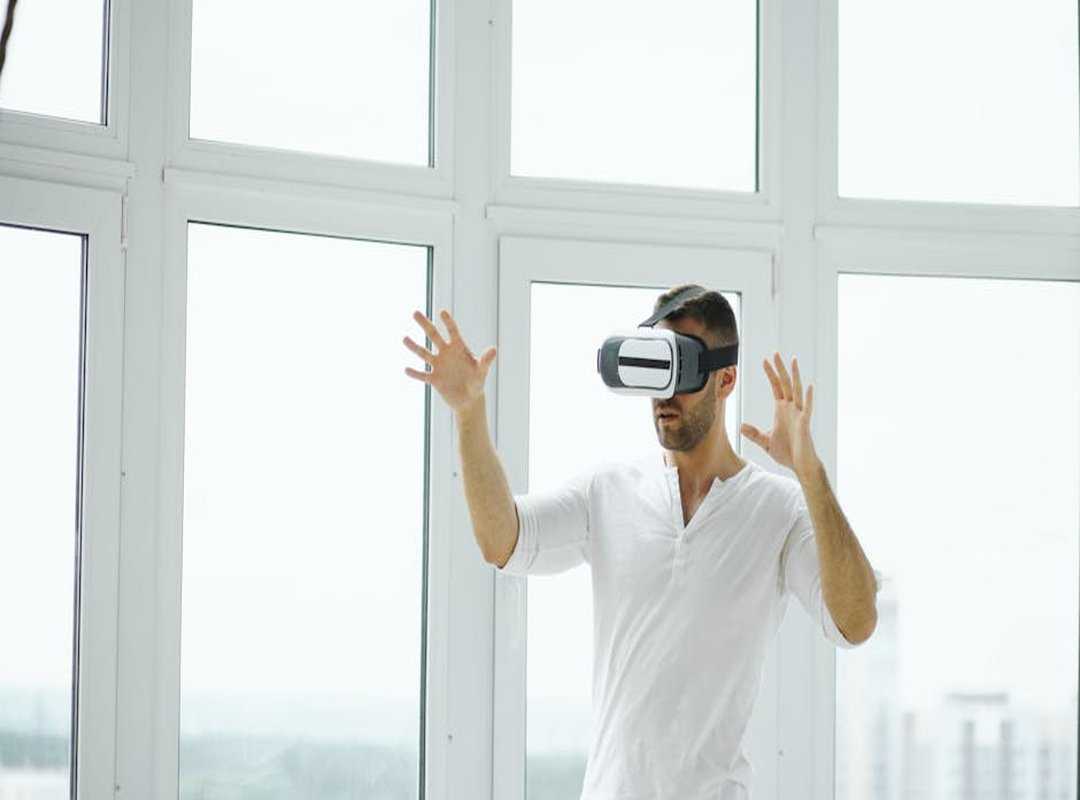
The top of your screen should be at or slightly below eye level. This simple move keeps you from tilting your head up or down, sparing your neck from a world of pain. You don’t want a permanent neck-tilt as your cosplay choice, right?
Now, let’s talk distance. The screen should be about an arm’s length away. You might be thinking, “Does this really matter?” Absolutely.
It helps prevent the dreaded eye strain. If you’ve got one of those gargantuan monitors or a curved one, consider placing it a bit further back. Ergonomics isn’t just a fancy word; it’s about survival in the gaming jungle.
Monitor arms? They’re the unsung heroes of the ergonomic gaming setup. These contraptions allow for perfect, easy adjustments.
Plus, they free up valuable desk space (more room for your snacks and that questionable energy drink collection). Seriously, they’re a game-changer.
Got a multi-monitor setup? Remember, your primary gaming screen should be front and center. Secondary screens?
Angle them in on the sides like your loyal followers. Need more help with this setup stuff? The ultimate guide pc gaming setup can shed some light.
In the end, this is your digital world. Make it comfortable. Your neck will thank you, and so will your win rate.
The Arsenal: Ergonomic Peripherals & Immersive Ambiance
Let’s talk gear. I’m not just talking about any gear, but the kind that makes your gaming sessions feel like a breeze. Ever tried an ergonomic keyboard?
They aren’t just some quirky contraptions. Think split or tented designs. They’re lifesavers for those marathon gaming nights.
Trust me, your wrists will thank you.
Next up, the mouse. Ever held a vertical or contoured one? It’s not just about playing the game but playing it comfortably.
Using your whole arm for low-sensitivity aiming with a large mousepad? That’s a game changer. No more wrist strain, just smooth movement.
Now, let’s brighten things up. Gaming in the dark? Bad idea.
A monitor light bar or bias lighting can make all the difference. Your eyes will thank you for reducing that nasty screen glare. Plus, it adds that cool ambiance to your setup.
Who doesn’t want their gaming den to look like a scene from their favorite sci-fi flick?
And remember, cable management isn’t just about aesthetics. A clutter-free space equals a clutter-free mind. When I see a mess of cables, I think distraction.
But tidy them up? Suddenly, focus feels easier.
In this world where gaming takes center stage, having the right ergonomic gaming setup makes all the difference. It’s not just about playing well. It’s about feeling well while you play.
Level Up Your Comfort
You’ve got the map for a truly epic gaming setup. Discomfort? It’s the silent killer of your skills and fun.
But here’s the thing: a comfortable setup isn’t one magical piece. It’s a well-oiled machine where every part works together.
This complete approach? It lets you play longer and better. Who doesn’t want that?
Don’t endure another painful session. Trust me, start somewhere. Pick one area from this guide and begin your upgrade today.
You deserve a pain-free experience. With our guidance, your ergonomic gaming setup is just a choice away. Go on, level up now!